Watch the demo
See how Kim helps you work
Watch the walkthrough: share a plan, work through the scope, and review the estimate with Kim.
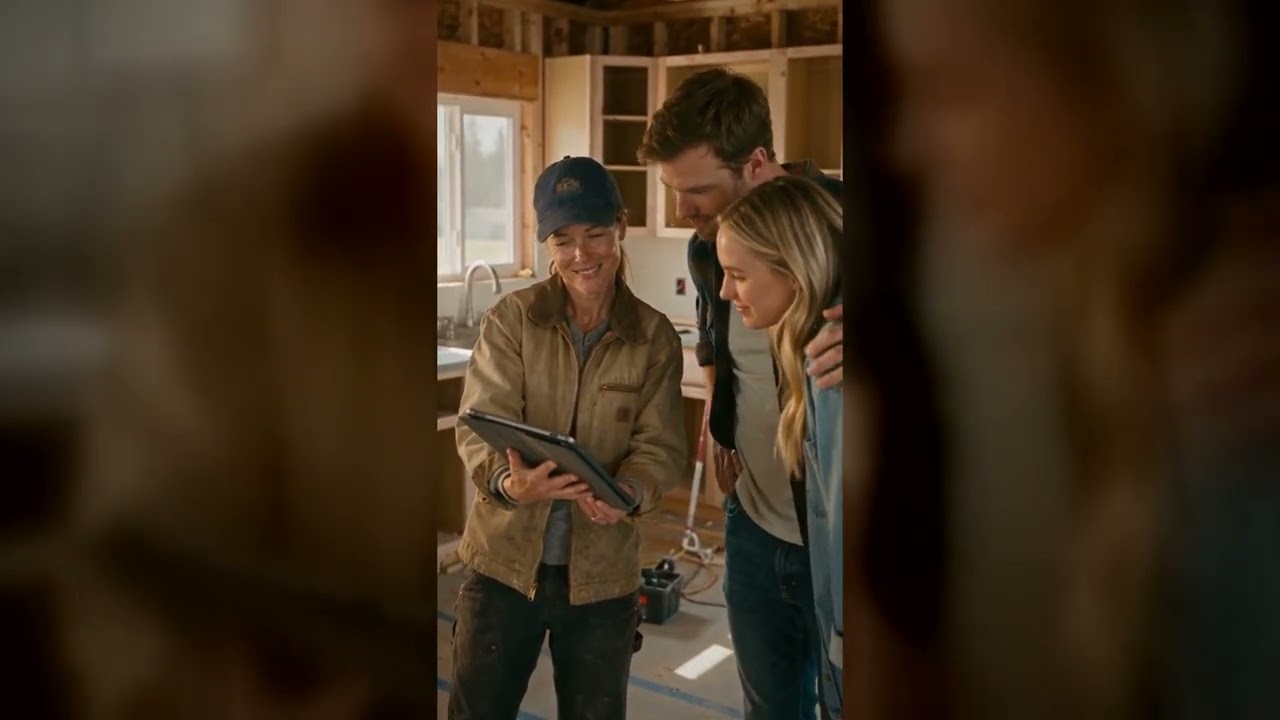
Meet Kim. Your AI construction partner.
Talk through the job. Turn plans into a first draft. Keep the work moving.
14 days free. AI included.
A little less paperwork.
A lot more possibility.
Interactive preview · no microphone needed
Kim is your AI construction partner inside BuildCraft Pro. Talk or type, share plans and photos, and ask her to draft an estimate or help organize the project. You bring the experience. Kim helps with the paperwork.
Talk through the job in English, Spanish, or Chinese. Kim answers by voice, with a moving voice orb that shows when she is listening or speaking.
Attach or paste blueprints and jobsite photos mid-conversation. Kim reviews them, confirms the scope with you, then prices the whole job line by line.
Creates projects, adds and removes line items, drafts your contract language, adds crew to the workforce, and opens any tab — invoices, change orders, schedule — on command.
Illustrative conversation
Kim's voice and AI are included with every plan — no API key to set up, no extra subscription. Power users can plug in their own key anytime and pay the provider at cost.
Share the drawings. Talk through the details. Kim helps turn your scope into an estimate you can make your own.
Every quantity, rate, and margin is yours to review. The final call stays with you.
See Kim in ActionIllustrative project · sample figures
From the first scope to the next invoice, Kim helps you move the work forward.
Kim reads blueprints, photos, and spoken scope — so the first draft is done before you sit down, and nothing gets typed in twice.
Material, labor, equipment, and sub costs — with markup and margin — clearly visible before the bid ever leaves your hands.
Change order → client approval → invoice, linked on the same job — so extra work never slips through unbilled or turns into a dispute.
Schedule, crew time, daily logs, and actual costs stay attached to the same project you sold — from deposit to final payment.
Every stage works from the same job record — the scope you sold is the scope you build, invoice, and get paid on.
Kim drafts the estimate from your plans; you review it and the client signs online.
Schedule, crew time, daily logs, change orders, and invoices — on the same record.
Floor plan · Electrical · Finish schedule
34 line items · 28% target margin
Client accepted scope and options
Deposit invoiced · Crew scheduled
Watch the walkthrough: share a plan, work through the scope, and review the estimate with Kim.
Kim drafts fast — and shows her work. You approve every number before a client ever sees it.
Kim flags the quantities and prices she is least sure about, and nothing reaches a client until you approve it. Estimates use your rates, in your market.
Blueprints and client data are encrypted in transit and at rest, with row-level security — and automatic restore points cover 60 days of work.
Cancel in one click — no calls, no hoops. Export your estimates and invoices as PDFs, and your data is preserved for 90 days if you come back.
Use your own labor rates, material costs, templates, wording, and project workflow.
Organize selections, allowances, trade scope, and client options without rebuilding the bid.
Coordinate subcontractor costs, schedules, client approvals, invoices, and change orders.
Reuse assemblies, crew rates, and repeatable scope while keeping each job's quantities accurate.
Move from walkthrough notes to a professional proposal on your phone or laptop.
Most contractors start with Kim Assistant. Need Kim to answer leads or work with your team? Kim Partner and Kim + Crew are one upgrade away. Cancel during the trial and you pay nothing — keep everything you built if you stay.
Every paid plan starts with a 14-day free trial and cancels anytime — no contract. Extra team seats are $19/mo each. Backup Plus adds 1-year restore points + 100 GB for $9.99/mo. Anything else? Contact us →
Bring a real job, a set of plans, or a rough idea. Tell Kim what you need, and build the first draft together. Every plan starts with 14 days free.